Create.
Optimize.Never Upload.
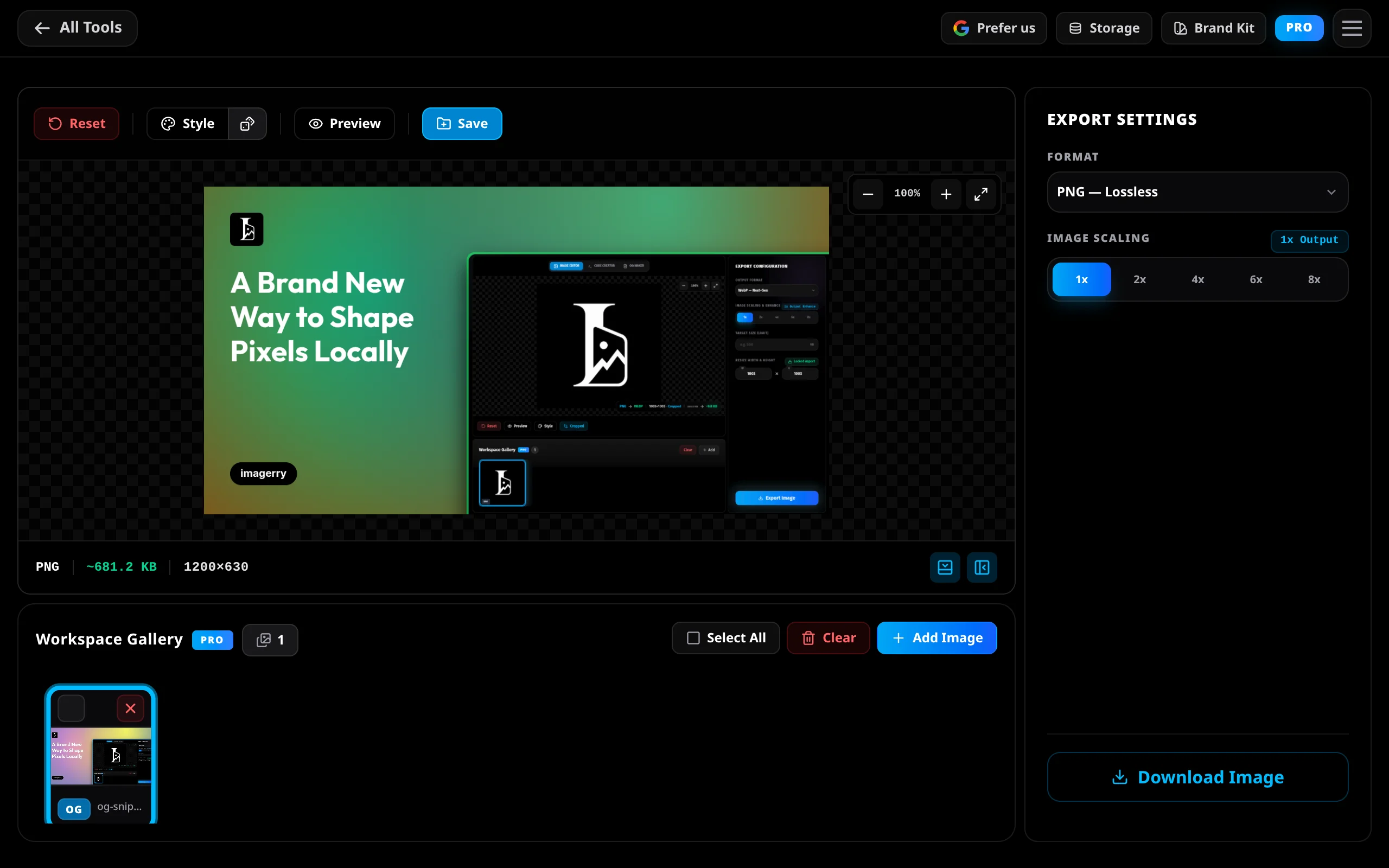
The all-in-one image toolkit that respects your time and privacy. Resize, crop, generate OG cards, and build app icons locally in your browser. No cloud uploads. No subscriptions. No waiting.
Every Tool. Zero Uploads.
Watch each mode work in real time — right here in your browser. Everything you see below runs locally on your device.
Scroll to activate…
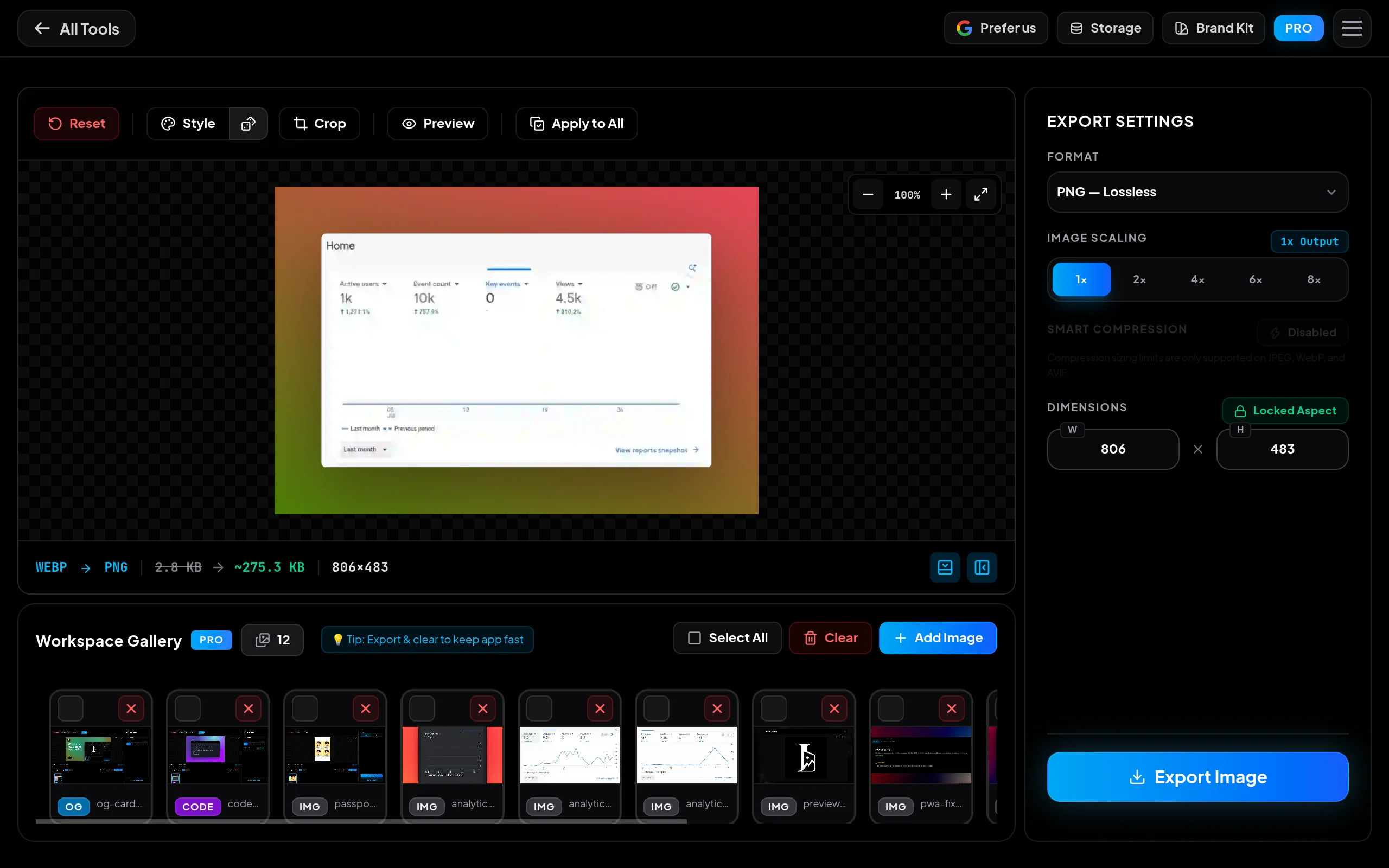
Drop a folder of 200 images, hit export — you get a single ZIP in seconds. No queues, no server, no waiting.
Learn moreThree steps.
Infinite images.
Drop files, pick a mode, and export. That's the entire workflow — no sign-up, no server, no waiting.
Waiting for context...
Built for real work.
No cloud required.
A fully loaded toolkit that runs entirely in your browser. No installs, no accounts, no uploads.
100% Local & Private
Everything happens right on your computer. Your pictures never get sent to our servers. No tracking, no storage, no risk.
Powerful Customizer
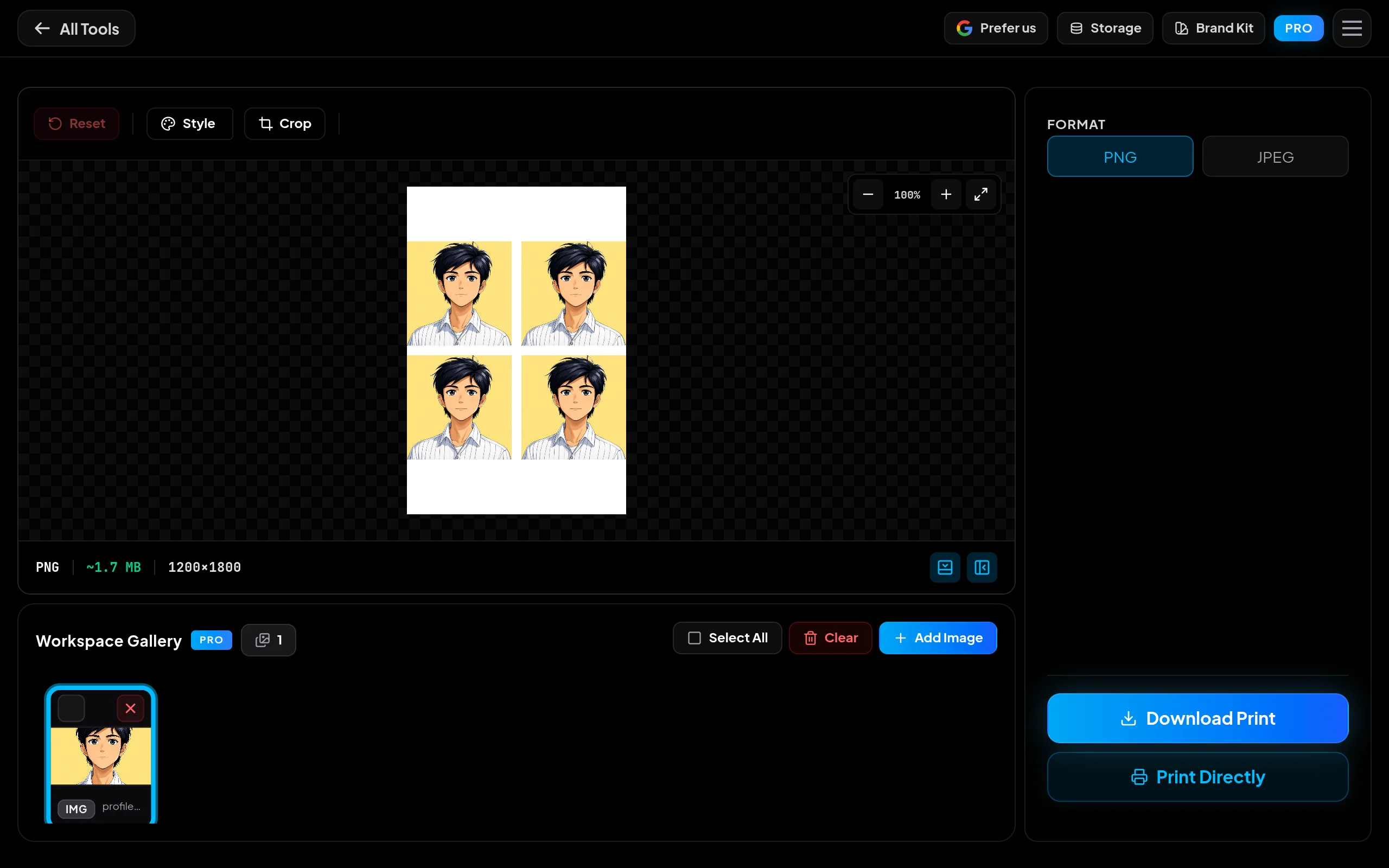
Resize to exact pixels, crop images, add cool color filters, and save your favorite settings for next time.
Apply to All
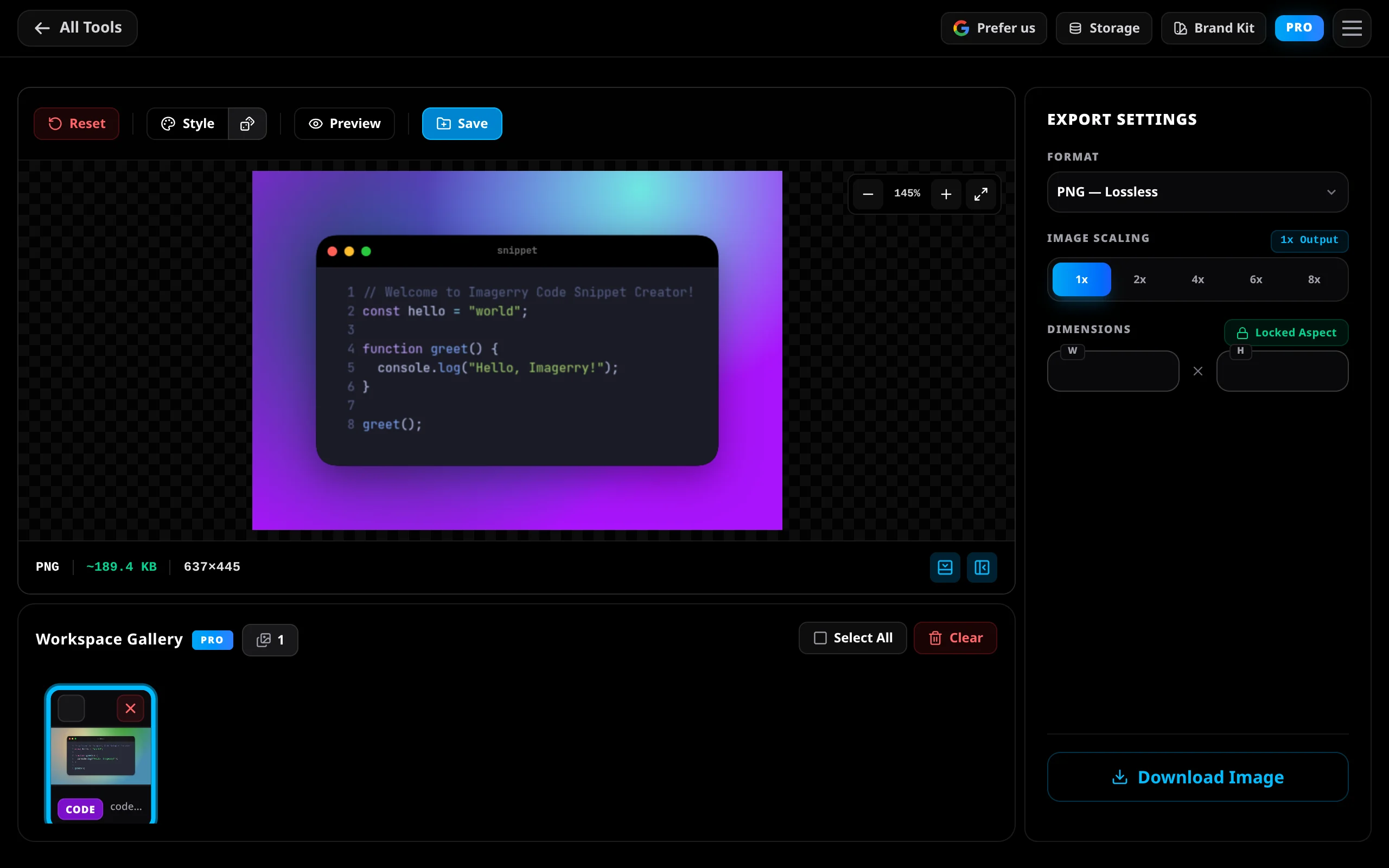
Design one image and sync the exact padding, colors, rounded corners, and shadows across your entire gallery instantly.
Style Randomizer
Feeling uninspired? Roll the dice to instantly generate beautiful, randomized combinations of backgrounds, borders, and shadows.
Batch Export & Scaling
Make whole folders of pictures bigger or smaller at the same time. Makes images bigger without getting blurry. Downloads as a ZIP.
Smart Presets
Save your favorite colors, sizes, and logos so you can use them again with one click.
Native & PWA Support
Install Imagerry like a real app on your phone or computer. It works the exact same everywhere.
Not another cloud editor.
Most online tools and code generators force you to upload your sensitive files to their servers. Here is where the cloud stops and Imagerry begins.
| Feature | Imagerry | Cloud Tools |
|---|---|---|
| Privacy & Security | 100% Local, Zero Uploads | Cloud Uploads |
| Workflow Speed | Instant, Zero Latency | Wait for Uploads/Queues |
| Batch Processing | Unlimited, Included | Paywalled / Capped |
| App Experience | Offline Capable (PWA/Native) | Online Browser Only |
| Account Required | No Login Needed | Mandatory Sign-up |
| Pricing Model | One-time Payment | Monthly Subscription |
| File Size Limits | Unlimited | 5MB - 10MB Limits |
| Custom Presets | Unlimited Local Presets | Premium Tier Only |
| Output Quality | Advanced (Lanczos3) | Basic / Compressed |
| Ads | Zero Ads | Intrusive Ads |
Four tools, one toolkit.
Use them together as an all-in-one suite, or adopt them incrementally. Each tool works 100% locally in your browser and stands on its own.
People who use it, love it.
Developers, designers, and creators who found a better way to handle images without uploading them anywhere.
“Imagerry saves me from the tedious parts of every project. cropping, adjust padding, export — done. It's the kind of tool you forget you didn't always have.”
“The gradient card maker is genuinely great. I was sceptical at first, but after using it to prep images for my Dribbble posts I use it every single day. Fast and clean output.”
“Love the local processing angle for privacy. One thing that would make this a daily driver for me is a batch resize and export option, so I could process a whole folder of images with the same preset dimensions in one go.”
“The local-only privacy angle is genuinely refreshing these days. One thing that would make it stick for me: a batch processing option where I can apply the same edit to a folder of images at once.”
“I tried it myself, it's smooth and easy. The image quality stays excellent and the whole thing is impressively fast even on large files.”
“Imagerry saves me from the tedious parts of every project. cropping, adjust padding, export — done. It's the kind of tool you forget you didn't always have.”
“The gradient card maker is genuinely great. I was sceptical at first, but after using it to prep images for my Dribbble posts I use it every single day. Fast and clean output.”
“Love the local processing angle for privacy. One thing that would make this a daily driver for me is a batch resize and export option, so I could process a whole folder of images with the same preset dimensions in one go.”
“The local-only privacy angle is genuinely refreshing these days. One thing that would make it stick for me: a batch processing option where I can apply the same edit to a folder of images at once.”
“I tried it myself, it's smooth and easy. The image quality stays excellent and the whole thing is impressively fast even on large files.”
Take Imagerry beyond the browser.
Unlock native desktop apps for macOS, Windows, & Linux, unlimited batch exports, advanced formats, and custom brand presets with a single one-time purchase.
Honest answers to real questions.
The things people usually ask before they try Imagerry for the first time.
Still have questions?Recent Product Updates
We're constantly shipping features and optimizations to make Imagerry the ultimate private editor.
View all releasesMeet our new mascot companion, explore our refreshed landing page and page structure, read new in-depth guides, and enjoy the stable release of QR Code Maker and Metadata Stripper.
Introduced a brand new Privacy Metadata Stripper tool (Beta).
We've supercharged our canvas engine for noticeably smoother rendering and gave the codebase a deep clean to ensure long-term stability.
Start editing.
No account. No uploads. Ever.
Open the workspace and get to work. Every edit stays in your browser — private by design, not by policy.
Got a question?
We reply honestly, usually within a day. No bots.