Keep track of the latest features, performance improvements, and fixes added to Imagerry.
Last Updated: August 18, 2026
v1.6.7 / LatestAugust 18, 2026
Brand New Landing Page, Mascot Companion & Stable Releases
Meet our new mascot companion, explore our refreshed landing page and page structure, read new in-depth guides, and enjoy the stable release of QR Code Maker and Metadata Stripper.
Important Note
Desktop app v1.6.7 is now available to download with all latest offline tools and updates.
New Features
Meet the new interactive Mascot Companion across the landing page and technical guides.
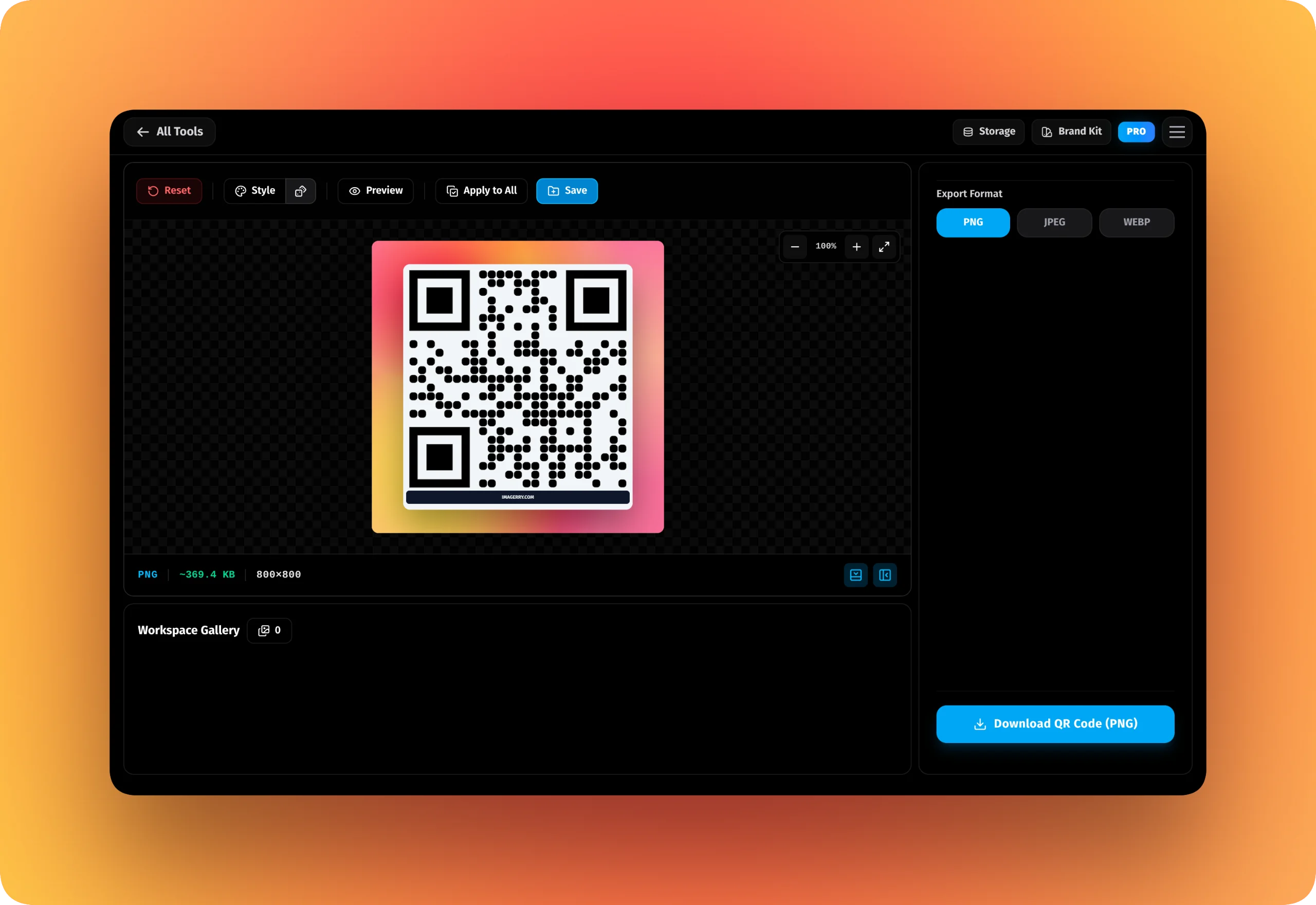
QR Code Maker (Stable Release): Added vector SVG export, contact vCards, WiFi payloads, and scannability contrast warnings.
Metadata & Location Stripper (Stable Release): Added a real-time Sanitization Report inspecting GPS coordinates and camera hardware before scrubbing.
Added customizable banner text size under QR Call-to-Action frame styling.
Improvements
Refreshed landing page and modernized page structures.
Added new technical guides.
Optimized mobile reading experience.
Bug Fixes
Fixed banner height scaling and improved canvas rendering performance.
v1.6.6August 8, 2026
Workspace Improvements & Privacy Metadata Stripper New Mode
Introduced a brand new Privacy Metadata Stripper tool (Beta).
Important Note
Just a heads-up: The desktop app now requires at least version 1.6.6 to keep working properly.
New Features
Released the Privacy Metadata Stripper tool (Beta) to securely scrub EXIF data locally.
Added new prebuilt Image Filters (Pro only).
Improvements
Increased the free tier limit: you can now hold up to 2 images at a time in your Workspace Gallery.
Pro tier continues to support unlimited gallery images and full batch processing.
Bug Fixes
Fixed the issue in desktop apps not able to revoke license and freeing a slot.
As well as some general improvements.
v1.6.5August 2, 2026
Canvas Rendering Boost & Under-the-Hood Upgrades
We've supercharged our canvas engine for noticeably smoother rendering and gave the codebase a deep clean to ensure long-term stability.
Important Note
Just a heads-up: The desktop app now requires at least version 1.6.5 to keep working properly.
Improvements
Supercharged canvas rendering for noticeably faster performance.
Major internal codebase restructuring to keep things running flawlessly.
Refined how code blocks look and render directly on the canvas.
Bug Fixes
Squashed a handful of minor bugs and polished up the overall experience.
v1.6.4July 26, 2026
QR Code Mode & Mesh Styles
Introduced a new QR Code generation mode and added new 4-color mesh backgrounds.
Important Note
The new QR code mode is currently in beta.
New Features
Added Custom Preset feature to be saved and used in modes.
Added new QR code mode (Beta).
Added new 4-color mesh under background style.
Improvements
Improved the design of Code Snippet Mode
Separated watermark from styles into its own dedicated tab.
Bug Fixes
General fixes and improvements.
v1.6.3July 21, 2026
Licensing & Stability Update
Improved Pro license activations and desktop app bug fixes.
Important Note
Now Minimum version for Desktop Apps is v1.6.3.
New Features
Added new Manage Devices page to remotely revoke inaccessible devices.
Improvements
Improved license activation flow.
Bug Fixes
Fixed an issue where the active license information disappears after a refresh.
General fixes and improvements
v1.6.2July 20, 2026
Brand Kit Management (Pro)
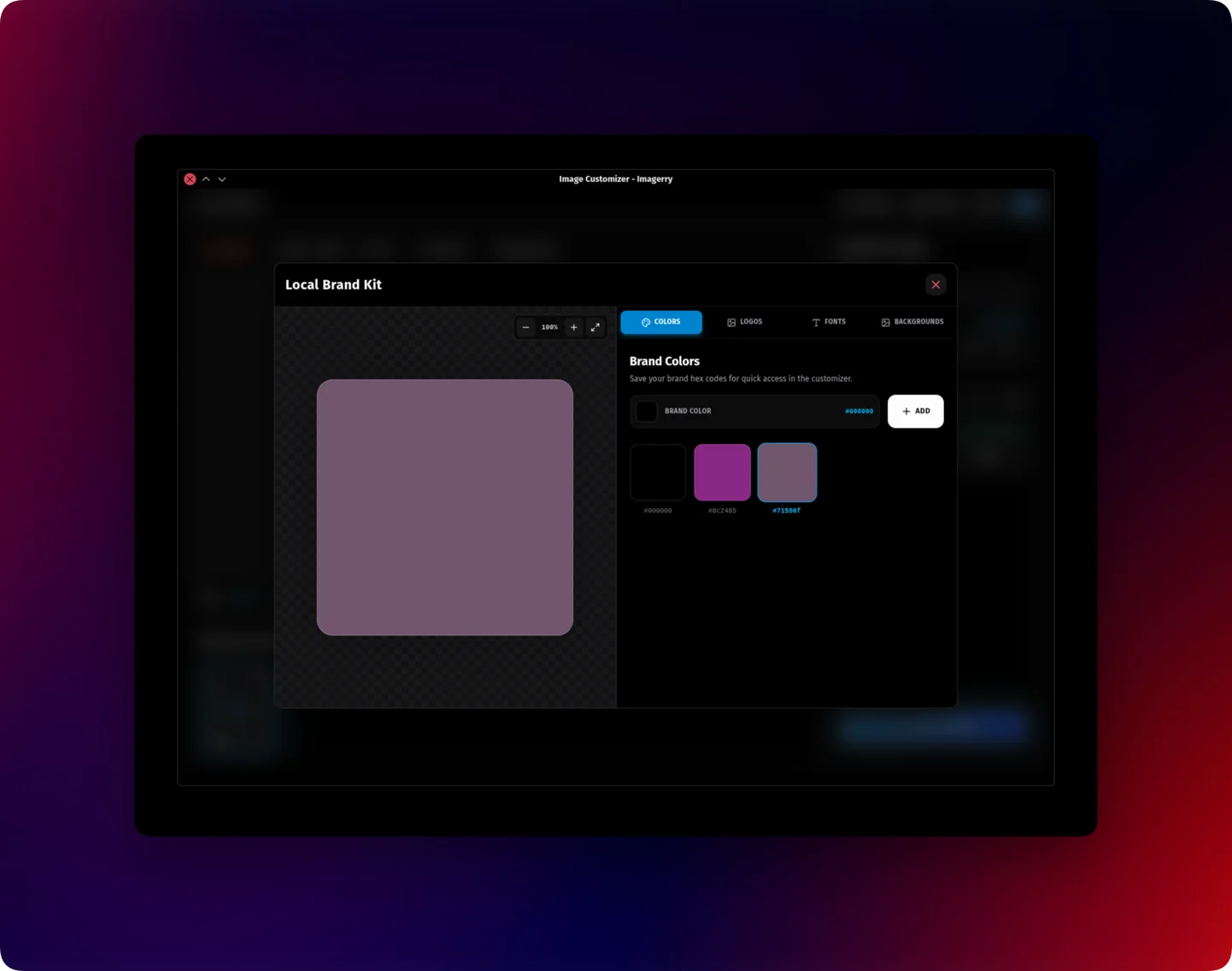
Introduced a brand kit management system and a dedicated storage manager for local galleries and brand kit data management.
Important Note
The Passport & ID Photo Arranger mode is now stable. Now Minimum version for Desktop Apps is v1.6.2.
New Features
Implement brand kit management system (Pro)
Added a dedicated license activation page for info
Separate storage manager for galleries and brand kit
Passport Photo Arranger mode is now officially stable
Improvements
Update Workspace layout to use full screen in desktop apps (coming soon to web).
Changed storage manager button from workspace to navbar.
Updated UI for apply to all randmisor settings
Bug Fixes
General fixes and improvements
v1.6.1July 15, 2026
Desktop Engine Upgrade
Upgraded the desktop app to use Chromium engine for much better image rendering and performance.
Important Note
The app bundle size is larger now as it includes the Chromium engine for better support.
New Features
Switched desktop app to Chromium engine
Improvements
Much better image filtering and rendering
More reliable update system
Bug Fixes
Fixed image filter bugs on desktop
v1.6.0July 15, 2026
Storage Manager & Color Extractor
Introduced a new workspace storage manager, a color-extractor mode, and a powerful CodeEditor component with syntax highlighting.
New Features
Added workspace storage manager to check and manage local storage usage
Added color-extractor workspace mode
Added CodeEditor component with syntax highlighting and URL code import support
Expanded customization options for code display including auto-showing quiz options
Improvements
Changed 'Image Editor' to 'Image Customizer' for better naming accuracy
Added buttons to hide and open workspace and right sidebar
Bug Fixes
Fixed image rendering issues
General improvements and bug fixes
v1.5.1-beta / BetaJuly 13, 2026
Passport & ID Photo Arranger (Beta)
Create print-ready 2x2 inch passport photos directly in your browser. Perfect for creating multiple passport photos on a single print paper.
Important Note
BETA FEATURE: The Passport Mode is currently in beta. It may be modified, improved, or removed in the future.
New Features
Added Passport / ID Photo arranger mode
Support for custom print paper sizes (4x6, 5x7, A4, etc.)
Added configurable cut lines for easy manual cropping
v1.5.0July 12, 2026
Version OG Template & UI Updates
New OG template, resizers, and workspace fixes.
New Features
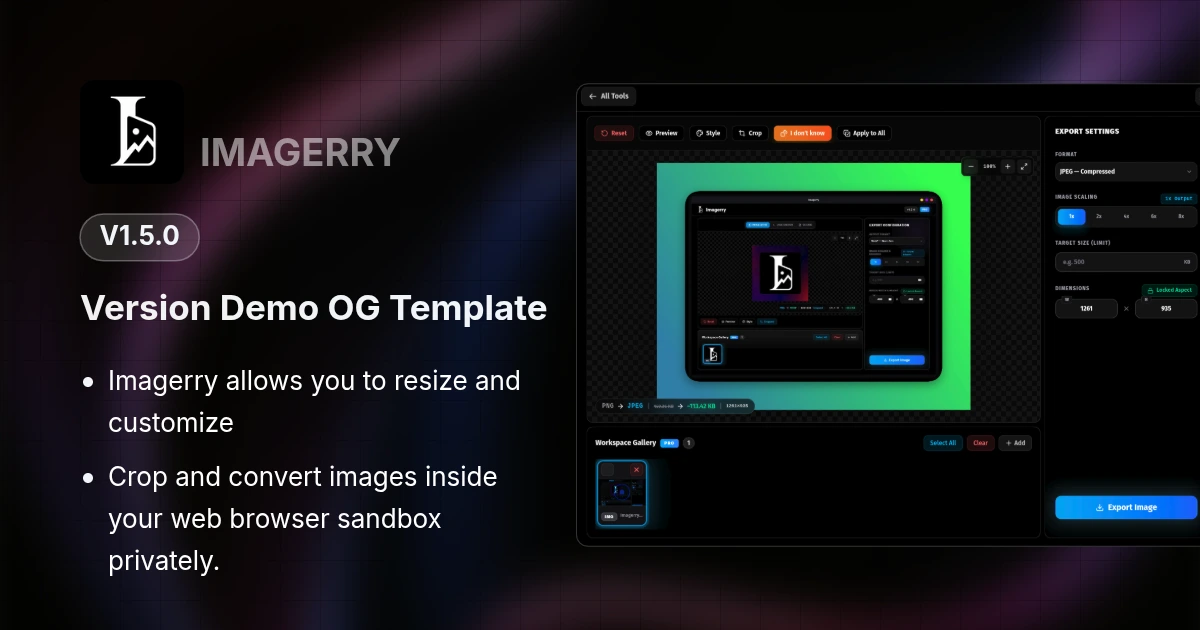
Added 'Version Release' OG template
Added 'I Don't Know' style randomizer (PRO)
Added title input for code creator mode
Improvements
Overlay pattern can be applied globally without separate style settings
Expanded canvas zoom limits for better control
Updated workspace UI and thumbnails
Redesigned Export Settings for clarity
Bug Fixes
Fixed number input spinners overlapping
Fixed feedback widget session hiding
General improvements
v1.4.2July 11, 2026
Feedback & Fixes
Added a new feedback link and fixed local settings persistence.
New Features
Added feedback link
Improvements
Saved settings per-image locally
Apply to All syncs gallery styles
Bug Fixes
Fixed styles resetting on mode switch
General improvements and bug fixes
v1.4.1July 9, 2026
PWA Offline Fix
Resolved an issue where the mobile Progressive Web App (PWA) would incorrectly show an offline error when launched without an internet connection.
Bug Fixes
Fixed PWA Service Worker registration preventing offline support on mobile devices
v1.4.0July 8, 2026
PWA & Multi-Device Licenses
Added PWA support for mobile devices and introduced multi-device licensing options.
New Features
PWA support for iOS & Android mobile devices
New 5-device license option alongside 3-device standard
Custom License option for larger needs
Improvements
Separated desktop installers and mobile PWA tags in the Hero
Optimized workspace layouts to fit viewport heights
Bug Fixes
UI and scrolling fixes in the paywall activation modal
v1.3.1July 7, 2026
Canvas Enhancements
Improved canvas image editing and enhancing capabilities, alongside various stability updates.
Improvements
Enhanced canvas image editing capabilities
Bug Fixes
Fixed missing identifier errors
v1.3.0July 6, 2026
App Icon Generator & Presets
Introducing a dedicated App Icon generator mode, customizable presets, and major improvements to the workspace.
New Features
New App Icon Workspace mode for generating cross-platform app icons
Added customizable Presets functionality
Improvements
Update Download page with detailed platform file listings
Improved drag-and-drop URL and file handling natively via Electron based Desktop app
Refactored workspace architecture for better maintainability
Bug Fixes
Fixed desktop drag-and-drop and improvements
v1.2.1July 3, 2026
Desktop CORS Fixes
Implemented image CORS logic in the desktop app and added a custom not found page.
New Features
Implemented image CORS logic in desktop app
Added 404 Not Found page
Bug Fixes
Various bug fixes
v1.2.0July 1, 2026
Pencil Sketch Effect
Added a new Pencil Sketch effect, introduced Apply-to-All style functionality, and expanded customizations for a smoother workflow.
New Features
New 'Pencil Sketch' image effect available in the Image Customizer (Free)
Add apply-to-all style functionality, expand OG template customizations, and introduce new background assets
Improvements
Workspace apply styles based on image select in gallery
UI responsive for workspace route
Bug Fixes
Fixed blurry rendering in code creator mode
Fixed UI freezing for high resolution images
General improvements
v1.1.2June 30, 2026
Desktop Updater UI
Improved desktop application update experience and license management UI.
New Features
New UI for the Desktop Updater.
New License Management popup.
Improvements
External links now open properly in your default browser.
Cleaned up the navigation bar by making the Pro badge clickable.
Bug Fixes
General improvements and bug fixes
v1.1.1June 29, 2026
Desktop Export Fixes
Resolved a critical issue preventing images from being exported properly on the desktop version.
Improvements
Upgraded desktop architecture to utilize native OS 'Save As' dialogs for a more premium experience.
Bug Fixes
Fixed file exporting being blocked or silently failing within the desktop application.
v1.1.0June 28, 2026
Desktop App & Pro Licensing
We are thrilled to officially launch the Imagerry Desktop App alongside a brand new Pro License model.
New Features
Official Desktop App released for macOS, Windows, and Linux
Edge-to-edge desktop workspace experience
New device-based Pro License Key system with activation and revocation
Improvements
Enhanced landing page UI
Updated Terms of Service and Privacy Policy for desktop telemetry and liability
Bug Fixes
General stability improvements and bug fixes
v1.0.0June 22, 2026
Initial Release
Welcome to Imagerry! Our initial launch brings robust client-side image conversion, canvas customization, and support for multiple tools/modes.
New Features
Instant client-side image conversion using local canvas technology
Visual canvas customization workspace including padding, shadows, backgrounds, and layouts
Code mockup creator with customizable background presets
OG image template creator for developer metadata shares